On this page10
For agency marketing sites, the Webflow-or-WordPress question comes up constantly, and both sides of the argument are usually a little unfair. Webflow isn’t “just for designers”, and WordPress isn’t “slow and insecure”. Each is excellent at a slightly different job.
We build on both. Here’s how we’d help an agency choose for a particular client.
What each platform is
Webflow is a hosted visual development platform. Designers build layouts in a visual editor that produces real HTML and CSS, content lives in Webflow’s CMS, and Webflow handles hosting, security and updates.
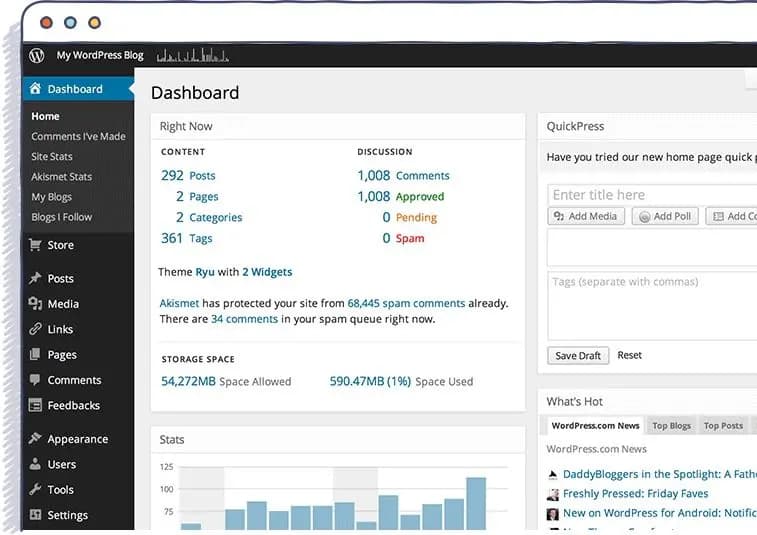
WordPress is an open-source CMS you host yourself (or with a managed host). It runs a huge share of the web, has a plugin for almost anything, and gives developers complete control over the code, the data and the server.
Where Webflow wins
- Design-led marketing sites. If the site’s main job is to look exceptional and tell a story, with animation and interaction as part of the brand, Webflow gets there with less custom code.
- Low maintenance. No plugins to update, no server to patch. For a client without a technical team, that removes a whole category of support tickets.
- Marketing teams editing pages. Once a site is built with a sensible component structure, marketers can make layout changes safely in the visual editor.
- Hosting included. Fast, CDN-backed hosting is part of the plan, with no separate hosting decision to make.
Where WordPress wins
- Large or complex content. Big content libraries, many content types, complex relationships between them, or several editorial roles with different permissions: WordPress handles these more comfortably.
- Custom functionality. Member areas, complex forms, bookings, commerce, or integrations with internal systems. WordPress lets developers build exactly what’s needed on the server side.
- Ownership and portability. The code and the database belong to the client, and they can move hosts whenever they like.
- A client with WordPress expertise. If the client’s team or their existing support agency already knows WordPress, that’s a real advantage.
The trade-offs that decide it
Maintenance
Webflow’s hosted model means less upkeep. WordPress needs regular updates and a good host. That’s routine for anyone who does it properly, and a liability for a client who won’t.
Limits
Webflow has platform limits that vary by plan: CMS items, fields, locales, form handling and so on. Most marketing sites never reach them. A large content site might, so check the current plan limits against the client’s content before you commit. WordPress’s limits are mostly about hosting and how well the site is built.
Custom code
Webflow allows custom code and embeds, but anything that needs server-side logic has to live elsewhere, in an external service or a serverless function. On WordPress it can live inside the site.
Cost over time
Webflow’s costs are mostly predictable subscription fees. WordPress’s are hosting, premium plugins and maintenance time. For a simple marketing site the totals are often similar. The difference is who does the work, and whether it’s budgeted for.
Questions we ask the client
- Who will update the site day to day, and how technical are they?
- How much content is there, and how much will there be in two years?
- Does the site need logins, commerce, complex forms or integrations with internal systems?
- Is there already a team or retainer that maintains WordPress sites?
- How important are custom animation and interaction to the brand?
Mostly marketing pages, a non-technical team and a strong visual brand point to Webflow. Lots of content, custom functionality or existing WordPress expertise point to WordPress.
Either way, build it properly
Both platforms reward the same discipline: a clear component system, sensible content structure, performance and accessibility checked before launch, and documentation the client’s team can actually use. A well-built site on either platform will outlast a rushed one on the “right” platform.
We offer both Webflow development and WordPress development for agencies. If you’re weighing the two for a client, send the brief through our project brief form and we’ll tell you which we’d choose and why.