On this page5
WordPress development looks very different from a few years ago. The block editor is now the centre of theme building, local development is fast and free, and AI assistants write a good share of the routine code. These are the tools our team relies on for custom WordPress builds, and where each one earns its place.
Local development
1. Local, Studio or wp-env
Local (by WP Engine) and WordPress Studio (by Automattic) create a working WordPress site on your machine in a couple of clicks, with SSL and email capture built in. For plugin and theme work that needs to match continuous integration exactly, wp-env runs WordPress in Docker from a config file in the repository.
2. WordPress Playground
Playground runs a full WordPress site in the browser, with nothing to install. We use it to try a plugin safely, reproduce a bug, or share a quick demo link with a client.
3. WP-CLI
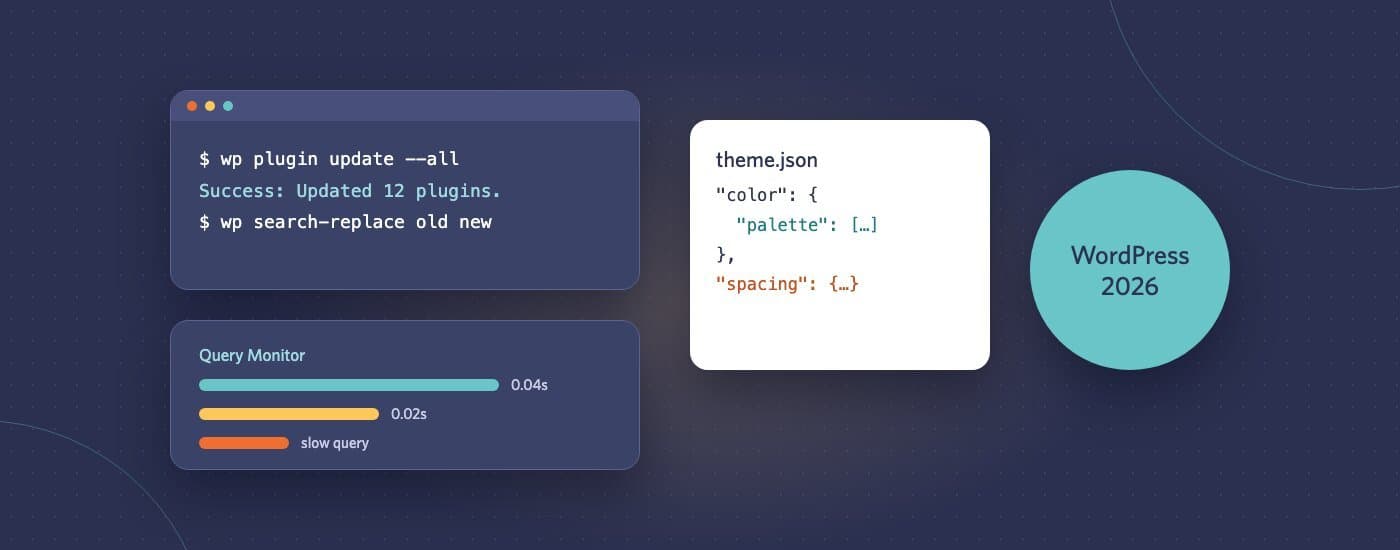
The command-line tool for WordPress. Search-and-replace across a database after a migration, bulk-update plugins, regenerate images, create users: jobs that take minutes in the dashboard take seconds here, and can be scripted.
Building themes and blocks
4. Block themes and theme.json
Modern themes define colours, typography, spacing and layout in theme.json, and build templates from blocks. The result is a site that editors can change in the Site Editor without breaking the design, because they’re choosing from options the theme defines.
5. @wordpress/create-block
Scaffolds a custom block with its build setup in one command. We build custom blocks for anything editors add repeatedly, like testimonials, pricing tables or team grids, so the design stays consistent.
6. Advanced Custom Fields Pro
ACF is still the fastest way to add structured fields to posts and pages, and ACF blocks let you build custom blocks in PHP. It’s our choice when a site needs structured content without a full JavaScript block build.
7. Page builders, where they fit
Elementor and similar builders are still popular, and their built-in AI tools can draft text and images inside the editor. They suit teams who want full visual control. For sites where speed, consistency and long-term maintenance matter more, we usually recommend a block theme instead.
Quality and debugging
8. Query Monitor
Shows slow database queries, PHP errors, hooks and HTTP requests for every page load. It’s the first thing we install when a WordPress site is slow.
9. PHPCS with the WordPress Coding Standards, and PHPStan
These run in the code editor and in continuous integration, catching security issues like unescaped output and missing capability checks before they reach a live site.
Deployment
10. Git, Composer and automated deploys
Themes and custom plugins live in Git, third-party plugins are managed with Composer where possible, and deploys run from a pipeline rather than FTP. That makes every change traceable and easy to roll back.
AI assistants, with a review step
AI coding assistants now write a lot of routine WordPress code for us: block scaffolding, theme.json settings, WP-CLI scripts and migrations. They also make confident mistakes, especially around escaping, nonces and capability checks. We treat their output like a junior developer’s: useful, and always reviewed before it ships.
If you need a custom WordPress build, or someone to take over and tidy an existing one, see our WordPress development service or send us a brief through the project brief form.