On this page5
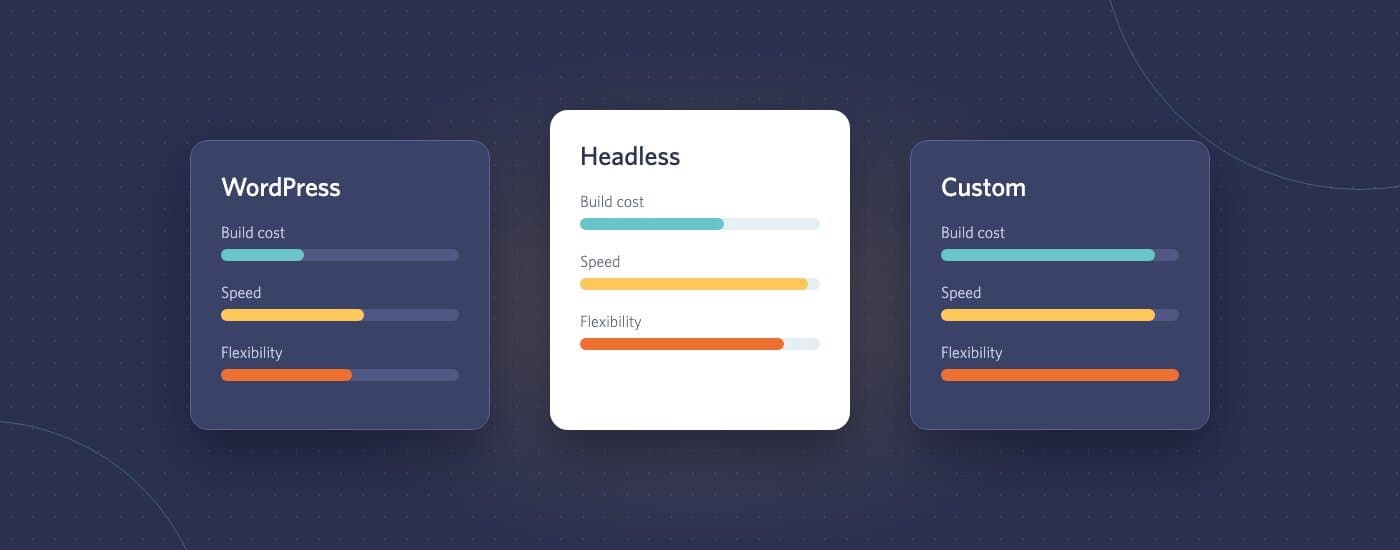
When we first compared WordPress with a custom-built website, it was a two-way choice. In 2026 there’s a third option that often beats both: a headless setup, where a content management system handles editing and a custom front end handles everything visitors see. Here’s how to choose between the three.
The three options in one table
| WordPress | Headless CMS + custom front end | Fully custom | |
|---|---|---|---|
| Build cost | Lowest | Medium to high | Highest |
| Time to launch | Fastest | Medium | Slowest |
| Editing for your team | Familiar, flexible | Clean, structured | Only what you build |
| Speed out of the box | Depends on theme and plugins | Very fast | Very fast |
| Ongoing maintenance | Regular updates needed | Lower, split across two systems | Everything is yours to maintain |
| Best for | Most marketing sites and blogs | Fast, content-heavy or multi-channel sites | Products and apps, not content sites |
When WordPress is the right choice
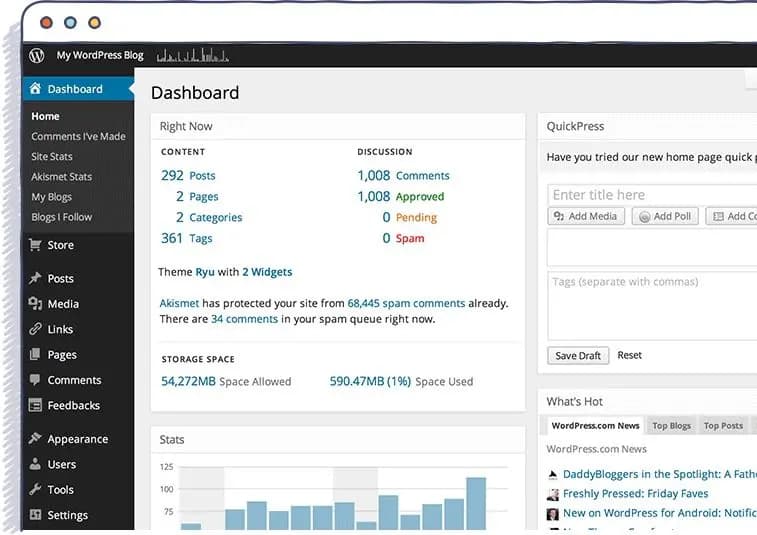
WordPress still powers a huge share of the web for good reasons: it’s affordable, quick to launch, and almost any marketer already knows it. With a well-built block theme and a short list of maintained plugins, it’s fast and secure.
Choose WordPress when:
- The site is mainly pages, posts and forms
- Your team wants to build new pages themselves
- Budget and launch date matter more than squeezing out the last bit of speed
The catch is maintenance. A WordPress site needs updates, backups and monitoring every month, or it becomes slow and vulnerable over time.
When headless is the right choice
In a headless setup, editors work in a CMS such as Sanity, Contentful, Storyblok or even WordPress itself, and a framework like Next.js builds the front end from that content. This site works that way: the blog you’re reading is written in WordPress and shown through a Next.js front end.
Choose headless when:
- Performance is a priority, for example for SEO-heavy or high-traffic sites
- The same content feeds a website, an app and other channels
- The design is too custom for a theme to handle cleanly
- You want editors kept away from layout decisions that could break the design
The trade-offs are a higher build cost and some features that WordPress plugins provide for free, such as forms or SEO previews, needing to be built or connected separately.
When fully custom is the right choice
A fully custom build, with no CMS at all, makes sense for web applications: dashboards, portals, booking systems and SaaS products where the “content” is mostly data and features. For a marketing site, fully custom usually means rebuilding a CMS badly, so we rarely recommend it.
Questions that settle the decision
- Who will update the site, and how often? Frequent page-building by marketers points to WordPress or a visual headless CMS.
- How much does speed affect revenue? If a lot, headless is worth the extra build cost.
- Where else does the content go? An app or several sites points to headless.
- Who will maintain it? If nobody, choose the option with the least to maintain, or budget for a care plan.
Still unsure? We build all three, so we don’t have a reason to push one. Send your requirements through our project brief form, or read more about headless CMS development and our comparison of Webflow and WordPress.